Editor
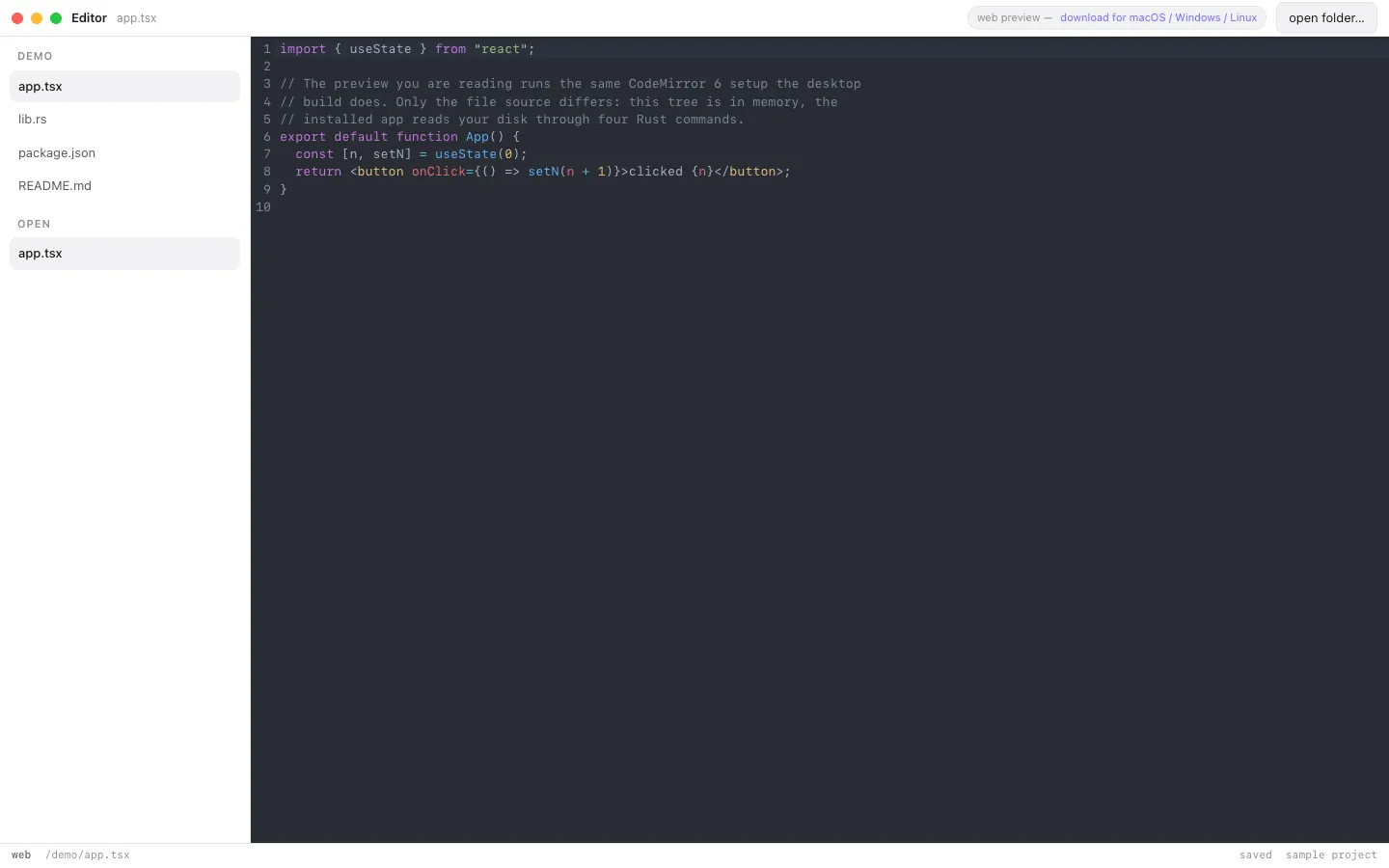
CodeMirror 6 code editor in a Tauri window — real filesystem tree, syntax highlighting, native folder picker, Cmd-S writes through.
Tauri v2 + CodeMirror 6Tier 1 - Excellent25+ compDesktophero-sectionfeature-gridcta-bannerresponsive-footerfilesystem-treesyntax-highlightfolder-picker
Key Features
Filesystem tree
Syntax highlight
Folder picker
Write-through
Tabs
Technology Stack
FrameworkTauri v2 + CodeMirror 6
Use CaseEditors and developer tools
Setup Difficulty5/5 - Very Easy
Hanzo Cloud Stack · AI, API Keys & Insights Out of the Box




✓ Zen AI Gateway (api.hanzo.ai)✓ Hanzo Analytics & Insights (analytics.hanzo.ai)✓ Hanzo IAM Auth (hanzo.id)✓ Hanzo Base SQLite + Realtime (api.hanzo.ai)✓ Hanzo Global Edge CDN
# 1-Click Automated Deploy to Hanzo Platform (Zen AI + Insights)npx @hanzo/cli deploy --template desktop-editor --name editor --platform --insights
# Official GitHub README Badges (Deploy to Hanzo + Edit in Hanzo.ai + Live Preview + LLM.md)[](https://platform.hanzo.ai/new?repo=https%3A%2F%2Fgithub.com%2Fhanzo-apps%2Fdesktop-editor&template=desktop-editor) [](https://hanzo.ai/chat?template=desktop-editor) [](https://gallery.hanzo.ai/templates/desktop-editor) [](https://gallery.hanzo.ai/llms/desktop-editor/LLM.md)
# Edit & customize directly in Hanzo.ai Chat + Devhttps://hanzo.ai/chat?template=desktop-editor&name=Editor&model=zen4
# Navigate to template directorycd apps/desktop-editor
# Install dependenciesnpm install
# Start development servernpm run dev
# Open in browserhttp://localhost:3263
Perfect For
Editors and developer tools
Primary use case for this templateFast Development
Pre-built components ready to useModern Design
Beautiful UI following latest trendsDeploy to Hanzo
Parameterize, preview, and deploy Editor to Hanzo global edge infrastructure in one click.